In today’s global market, ensuring your video content is accessible isn’t just a best practice—it’s a business imperative.
New accessibility laws are in effect worldwide, and audiences expect inclusive content from the brands they engage with. At the center of this movement is Audio Description, a critical tool for making visual content understandable to everyone.
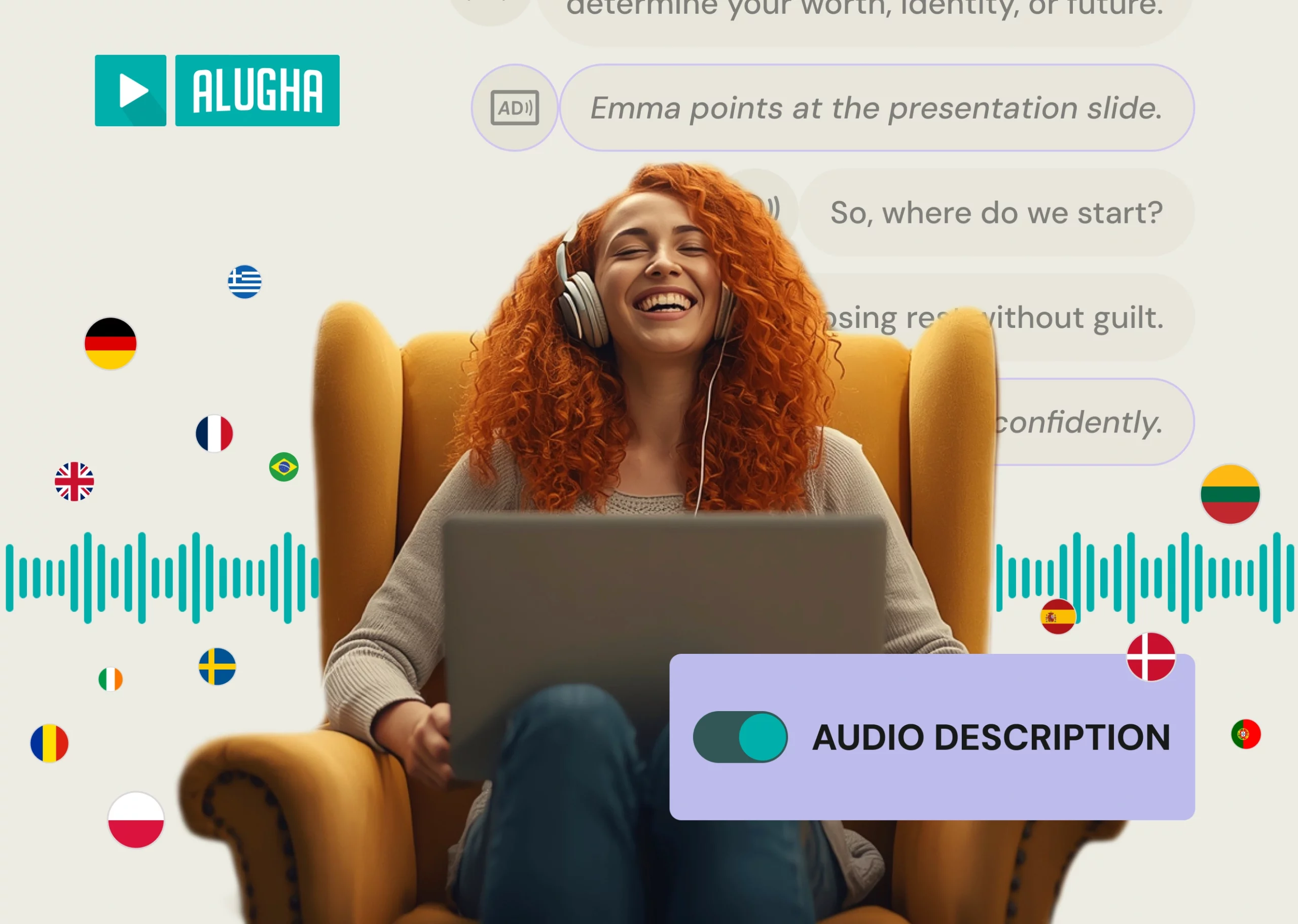
To empower you to meet this new standard, we are proud to announce that integrated Audio Description is now live within the alugha platform.
Why Audio Description is Essential for Business
Before detailing our solution, it’s important to understand the business drivers behind Audio Description:
- Legal Compliance: Global standards like the European Accessibility Act (EAA) are now law, creating a clear legal requirement for accessible video. Non-compliance is a direct business risk.
- Expanded Market Reach: Making your content understandable for viewers with visual impairments connects you with millions of potential viewers who were previously excluded.
- Enhanced Brand Reputation: Prioritizing accessibility builds trust and sends a powerful message that you value every member of your community.
Comparing Audio Description Workflows
Creating Audio Description presents a challenge: how do you produce it efficiently without sacrificing quality? Businesses typically face two approaches:
- The Traditional Workflow: High Cost, High Complexity
This method requires multiple specialists—scriptwriters, voice artists, audio engineers—and a variety of separate software tools. The coordination between talent and technology often results in a process that is expensive and adds significant time to production schedules. - The Pure AI Workflow: Speed at the Cost of Quality
Fully automated tools offer speed but lack a critical element: contextual understanding. An AI can identify an object on screen, but it cannot discern if a character’s subtle expression is a key plot point or if a background detail is unimportant. This can result in descriptions that are confusing or miss critical information, failing to serve the audience’s needs.
The alugha Way: An Integrated Hybrid Solution
We designed our Audio Description feature to provide a more effective balance. It’s built directly into the alugha Dubbr timeline, combining human intelligence with AI efficiency.
To show you how this integrated process works, here’s a complete walkthrough of the feature:
Our hybrid approach is built on two principles:
- Human Control for Nuance and Context: You write the script. This ensures the description captures the necessary context, aligns with your brand’s tone of voice, and serves the narrative effectively.
- AI for Production Efficiency: Our AI generates the voice-over. This provides a high-quality, professional audio track in minutes, removing the time and cost associated with traditional voice recording.
This single, unified workflow is more cost-effective than the traditional path and delivers higher quality results than a pure AI approach.
Get Started with Accessible Video Today
The global shift to accessibility is an opportunity to expand your reach and strengthen your brand. With alugha, you have a partner ready to help you lead the way.
Want a detailed guide on using the new feature?
Ready to create truly accessible video content and meet global standards? This powerful feature is available on all our paid plans.