Search results for “macos”

Forklift for MacOS

66% discount on Forklift (10-20$) | Mac Apps Deals / Sales | #forklift #finder #files #manager | http://foxly.sbs/forklift ℹ️ ForkLift for Mac OS X: The most advanced dual pane file manager and file transfer client for macOS. 👨‍💻 Website: http://pixly.me/forklift 📦SetApp: http://pixly.me/sapf

Moho for MacOS

ℹ️ Moho Pro for Mac OS X: the perfect solution for professionals looking for a more efficient alternative when creating quality animations. Make your animation projects come to life! 👨‍💻 Website: http://pixly.me/moho 🤝 75% discount deal: http://pixly.me/mohopro75 ❌ Not working: try to check o

Taskheat for MacOS

ℹ️ Taskheat for Mac OS X: Taskheat is a visual task manager that allows you to break down your responsibilities and link them to build a path to your goals. You'll end up with a flowchart that lets you focus on the steps that are under your control to get you where you want to go. 👨‍💻 Website: ht

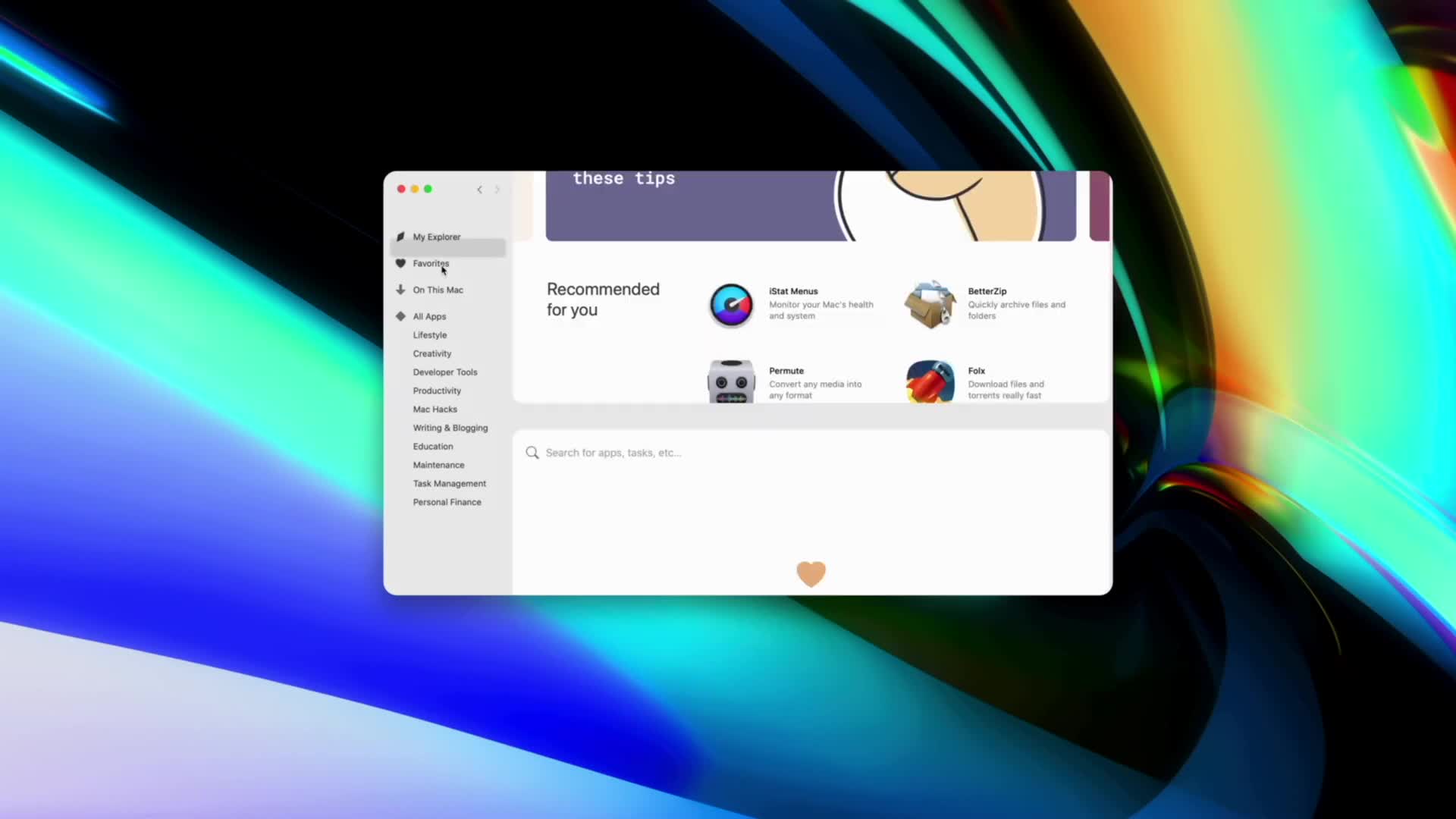
SetApp for MacOS

50% discount on SetApp (59$) with the coupon OIUFSANR | Mac Apps Deals / Sales | #setapp #multiapps #bundle | http://pixly.link/setapp69usd ℹ️ SetApp for Mac OS X: One signup, limitless apps on your favorite devices. Access to 210+ apps gives you the endless joy of discovery. You define the task,

Path Finder 10 for MacOS

ℹ️ Path Finder 10 for MacOS: Path Finder makes you a master of file management. Take full control over your file system. Save your time: compare and synchronize folders, view hidden files, use Dual Pane and full keyboard navigation to browse your file system. Work how you want: extreme customization

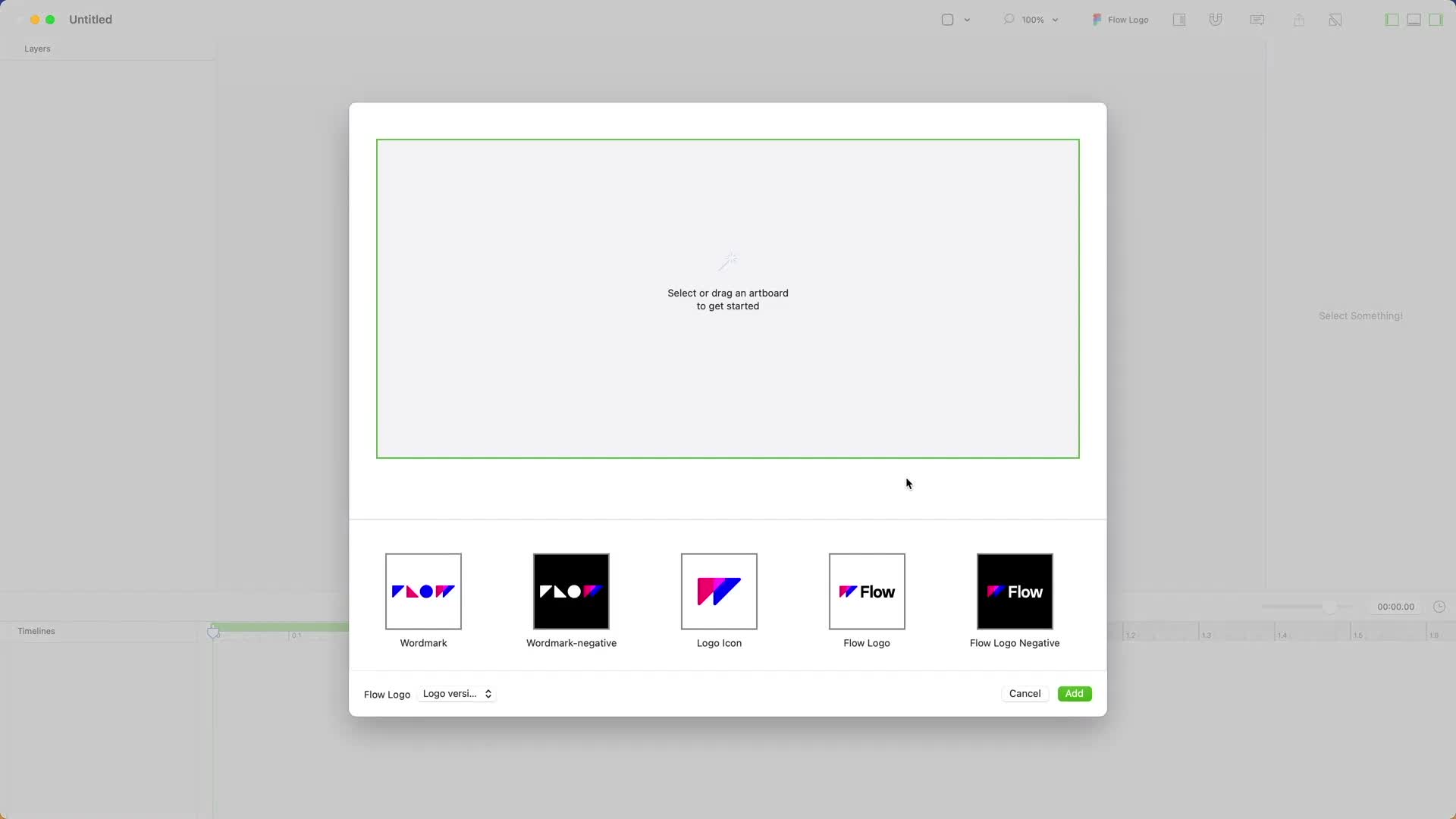
Flow for MacOS | Adobe After Effects Alternative

ℹ️ Flow for Mac OS X: Powerful animation tools, awesome Sketch integration, easier than After Effects. Flow is built for production, allowing you to convert all your animation code for a variety of formats, including web, iOS, and Lottie. For the web, Flow combines CSS, SVG, and Javascript-based we

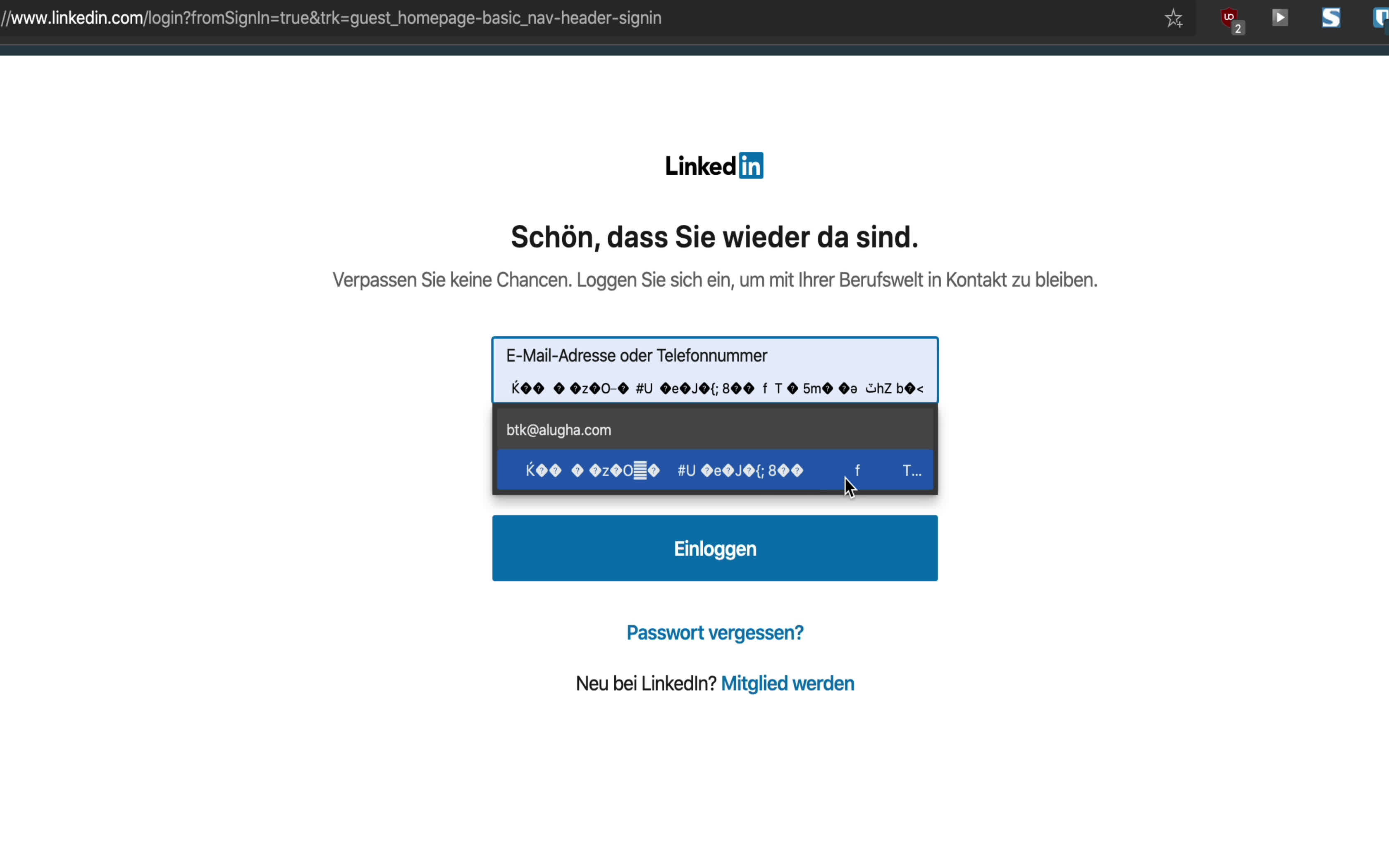
Delete corrupt auto fill data in Chrome and EDGE on macOS

I decided a few days ago to switch from Firefox to the EDGE from Microsoft completely after I have extensively tested it for three months. Unfortunately my entire AutoFill data has been completely destroyed. I could not find a way to delete them. Even deleting the browser data did not really help me