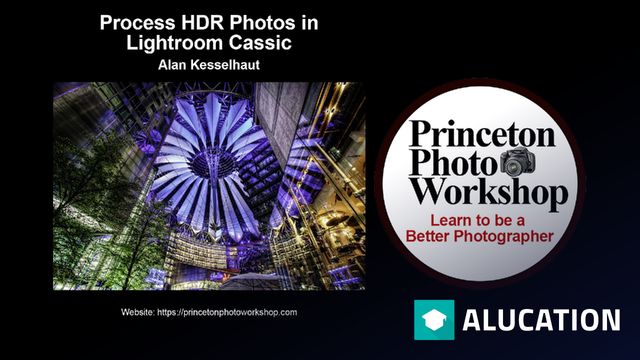
Process HDR Photos in Lightroom Classic
HDR was popular a while ago, but most of it was overdone and just plain bad. Today we can easily get some great results using Lightroom classic.
HDR was popular a while ago, but most of it was overdone and just plain bad. Today we can easily get some great results using Lightroom classic.
Make working in Lightroom Classic more efficient using Solo Mode
The most efficient way to remove spots in Lightroom Classic
The Spot Removal tool in Lightroom Classic lets you repair a selected area of an image by sampling from a different area of the same image. It's a really good tool to help find and remove sensor spots before printing an image.
The Adjustment Brush tool lets you selectively apply Exposure, Clarity, Brightness, and other adjustments to photos by "painting" them onto the photo. As with all other adjustments applied in the Develop module in Lightroom Classic, local adjustments are nondestructive and are not permanently applie